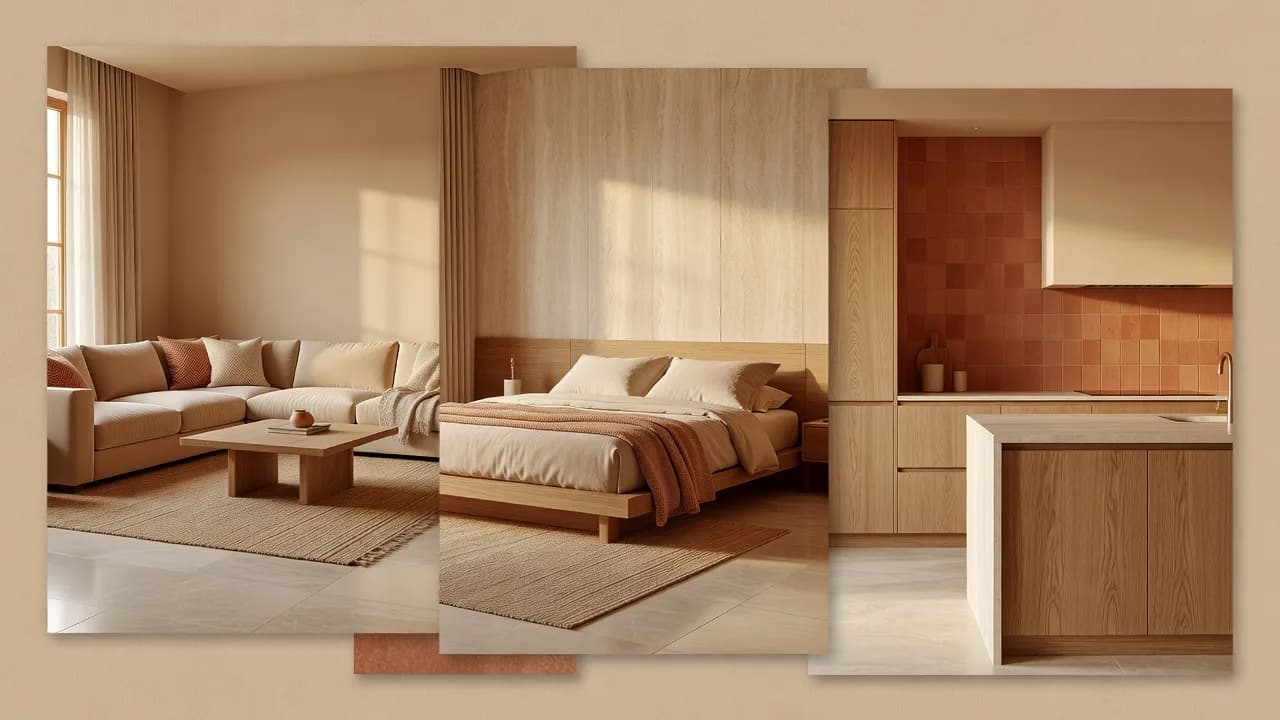
Before & After
Before-and-After Room Design You Can See
Before-and-after room design puts your current space beside a redesigned version, so the change is visible rather than imagined.


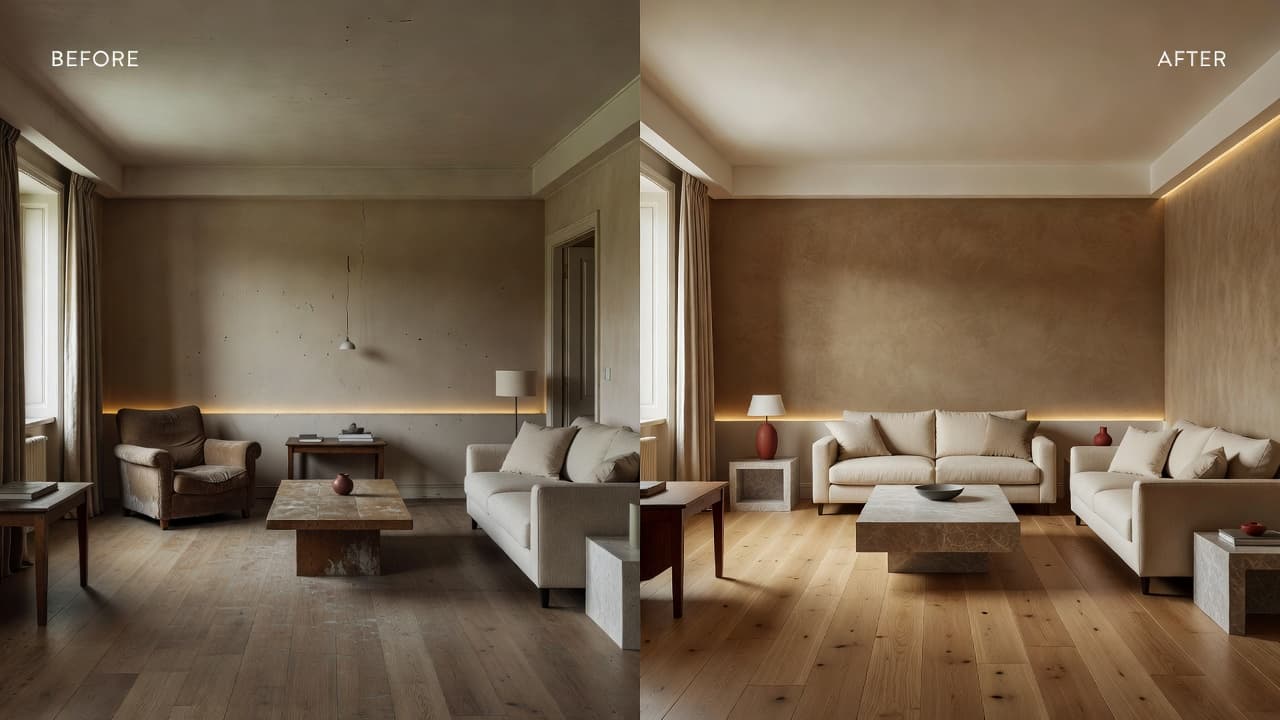
DecorAI generates the after from your real photo and shows it next to the before. Seeing the two together makes decisions honest: what to keep, what to change, what is worth the spend.
AI interior design before and after is the clearest way to plan a room. It replaces guesswork with a picture you can point at.
Before & After — Questions
What is an AI Room Makeover App?
An AI room makeover app creates before-and-after concepts from a real photo. DecorAI shows your current room beside a redesigned version for easy comparison.
How realistic are AI room makeovers?
AI room makeovers are visually realistic but conceptual. They capture atmosphere and direction well, while fine details may differ from a finished space.
Why might the generated room differ from the original?
Results depend on the source photo, lighting, perspective, room complexity, selected style and prompt, so some geometry and detail can shift.
Related
 DecorAI
Download the AI Interior Design App
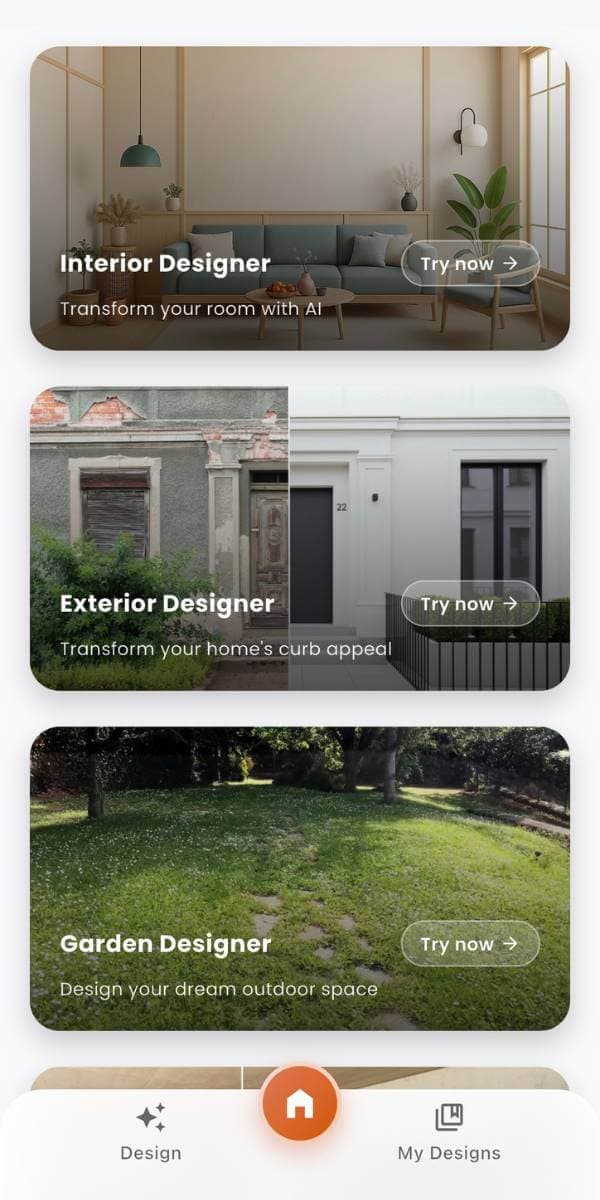
Take your room with you. Photograph a space, generate a redesign, and compare before-and-after concepts on iPhone or Android — or start in the browser with the DecorAI Web App.
 DecorAI
See a New Direction for Your Room
Upload a room photo and use DecorAI to explore personalized interior concepts, material ideas, furniture direction, and before-and-after room makeovers. Create on Web, iPhone, or Android.
- Start with a room photo.
- No interior design experience needed.
- Use generated concepts as visual inspiration.
- Available on Web, iPhone, and Android.