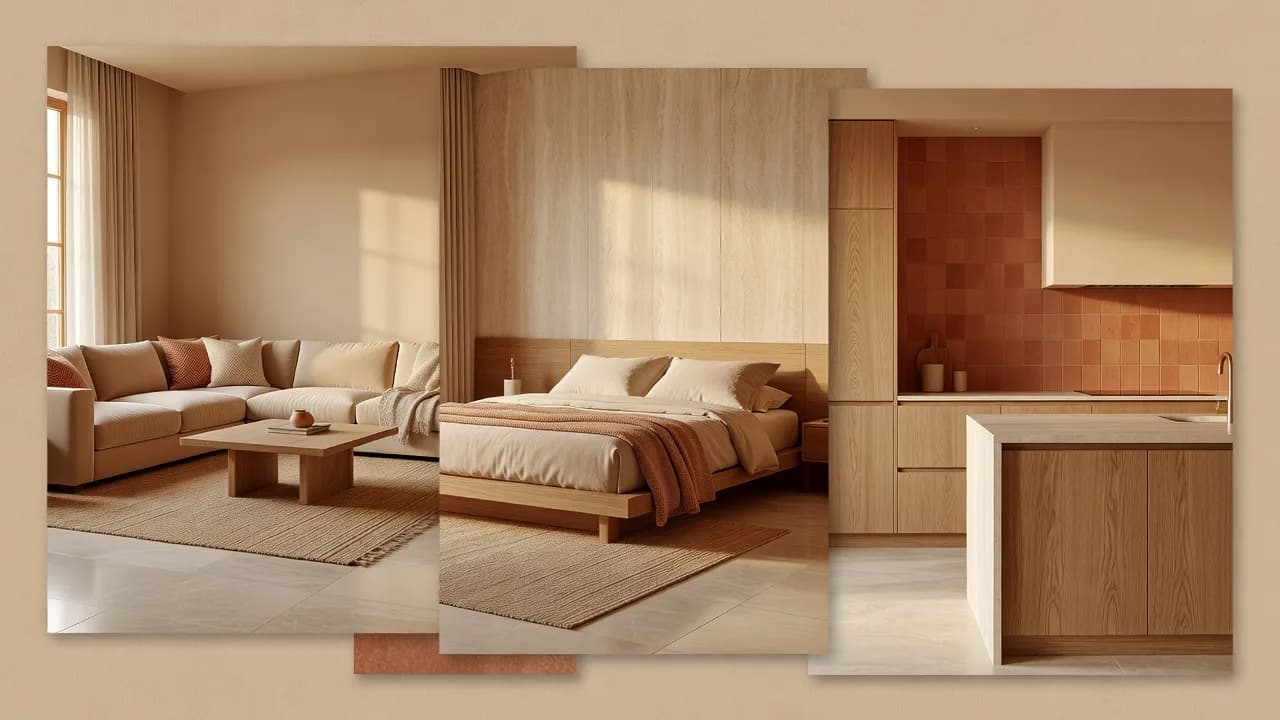
Interior Design from Photo
Interior Design from a Photo, in Minutes
Interior design from a photo means you start with your real room and let AI reinterpret it — no measuring, no modelling, no design degree.


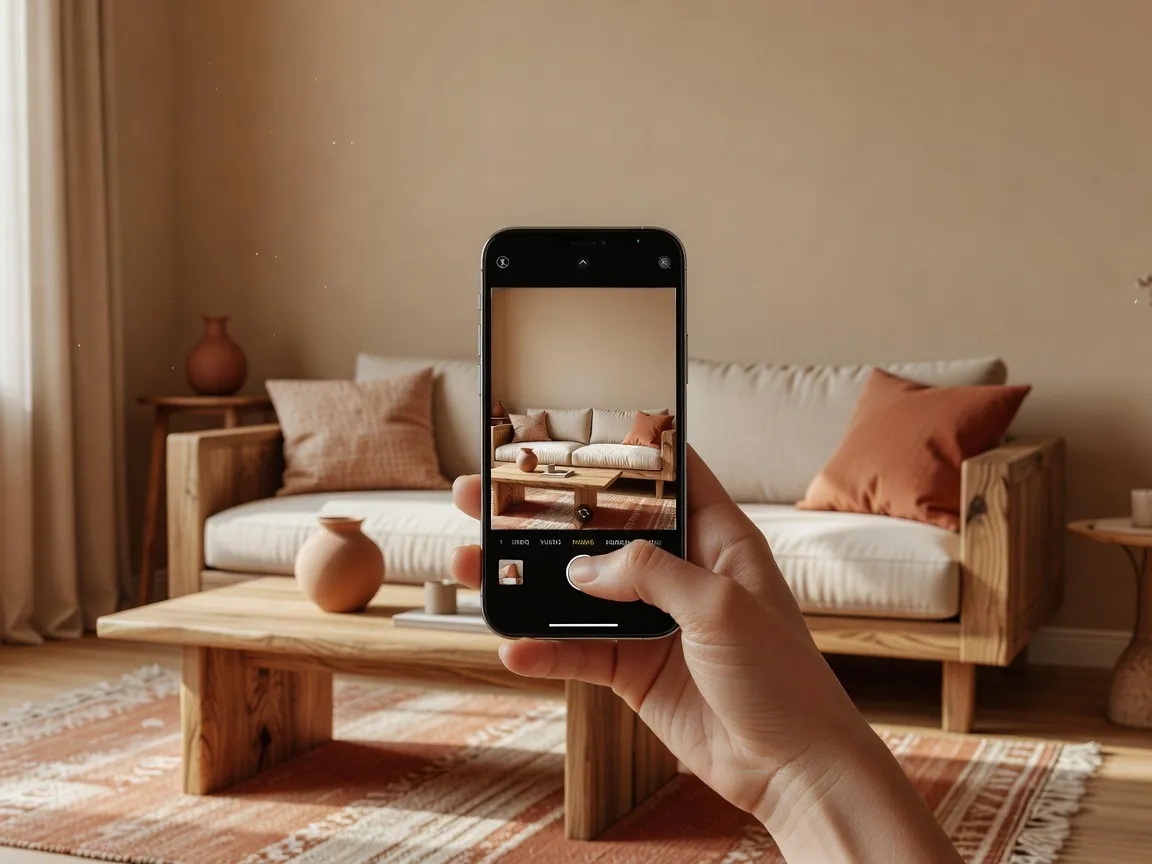
Take or upload a clear photo, pick a room type and style, and DecorAI generates a considered interior over your space. Create interior design ideas from a room photo, then keep the ones that feel right.
It is the most direct route from a room you find frustrating to a room you can picture loving — grounded in the space you actually have.
Interior Design from Photo — Questions
Can DecorAI redesign a room from a photo?
Yes. DecorAI reads your room photo and generates a new interior concept over it while keeping the general layout of the space.
What room photo works best?
A clear, well-lit photo taken from a useful angle that shows most of the room usually produces the best concepts.
How can I improve my results?
Use good natural light, avoid heavy clutter, keep the camera level and pick a style and prompt that match the room type.
Related
 DecorAI
Download the AI Interior Design App
Take your room with you. Photograph a space, generate a redesign, and compare before-and-after concepts on iPhone or Android — or start in the browser with the DecorAI Web App.
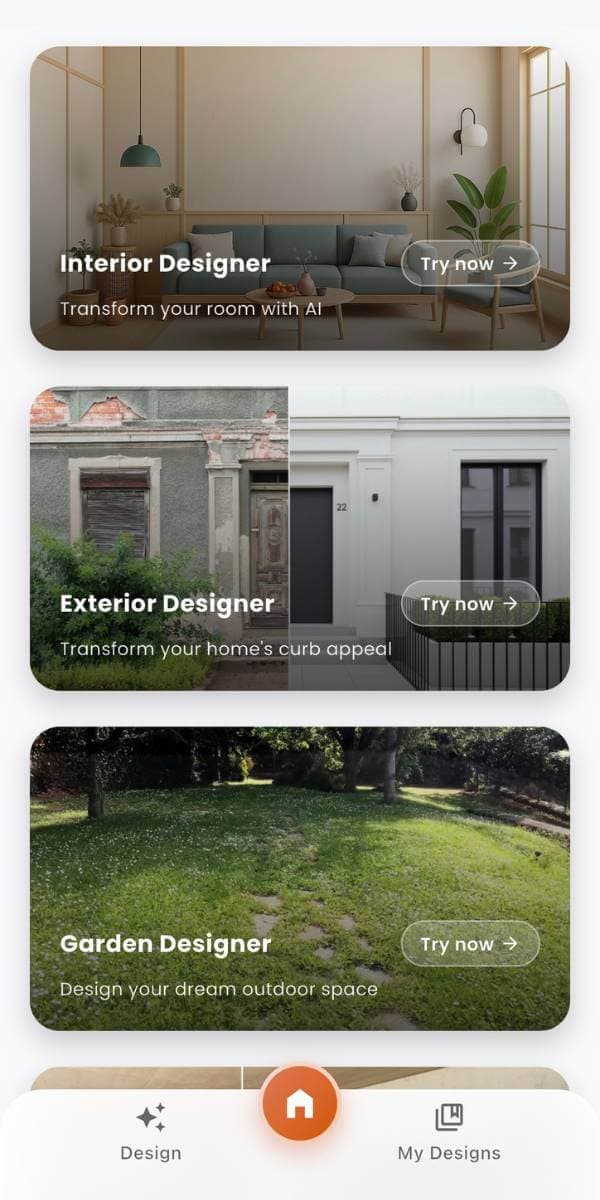 DecorAI
See a New Direction for Your Room
Upload a room photo and use DecorAI to explore personalized interior concepts, material ideas, furniture direction, and before-and-after room makeovers. Create on Web, iPhone, or Android.
- Start with a room photo.
- No interior design experience needed.
- Use generated concepts as visual inspiration.
- Available on Web, iPhone, and Android.