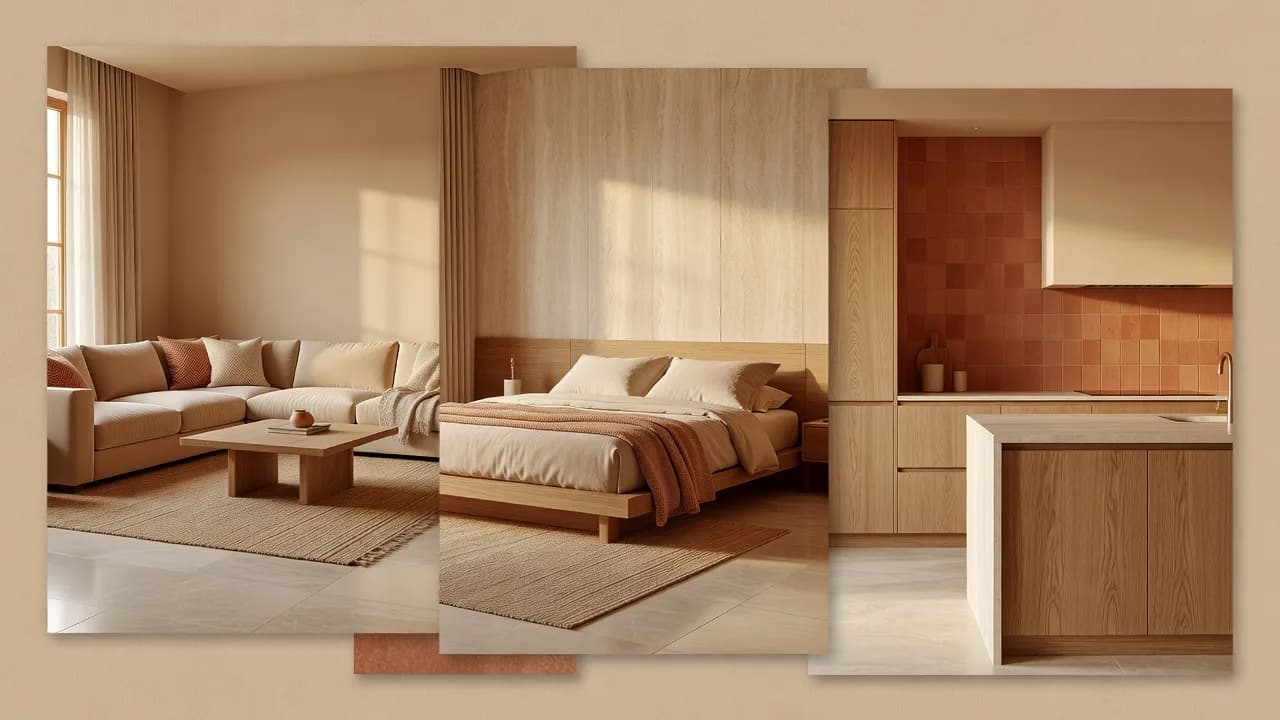
Room Design from Photo
Room Design from a Photo You Already Have
Room design from a photo lets you redesign a specific space by starting with the picture in your camera roll.


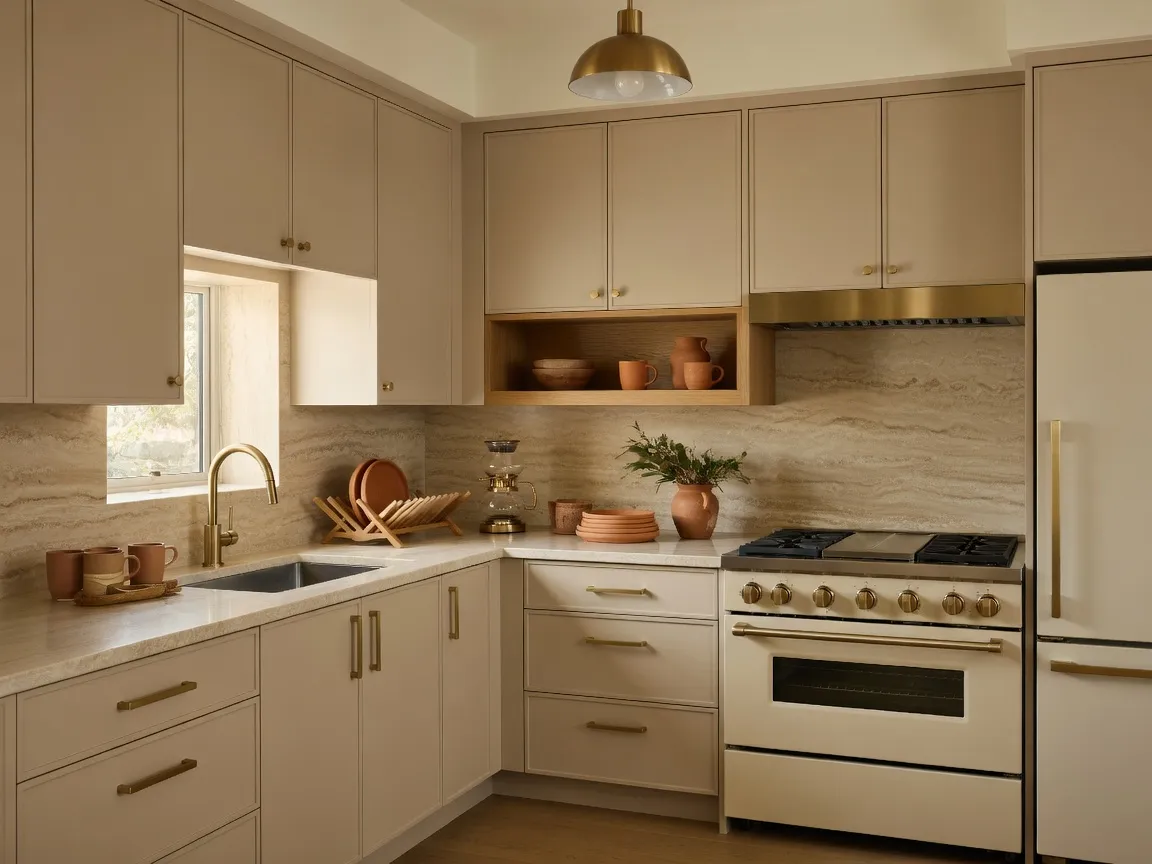
DecorAI takes your room photo and generates a fresh interior over it, keeping the general layout while proposing new surfaces, furniture and light. It is room design without the blank page.
Whether it is a living room that never felt finished or a bedroom you have stopped noticing, an AI room design from a photo gives you a new way to see it.
Room Design from Photo — Questions
Can DecorAI redesign a room from a photo?
Yes. DecorAI reads your room photo and generates a new interior concept over it while keeping the general layout of the space.
Why might the generated room differ from the original?
Results depend on the source photo, lighting, perspective, room complexity, selected style and prompt, so some geometry and detail can shift.
Can DecorAI preserve the room layout?
DecorAI aims to keep the general layout of your room while redesigning its surfaces, furniture and lighting. Exact geometry may vary.
Related
 DecorAI
Download the AI Interior Design App
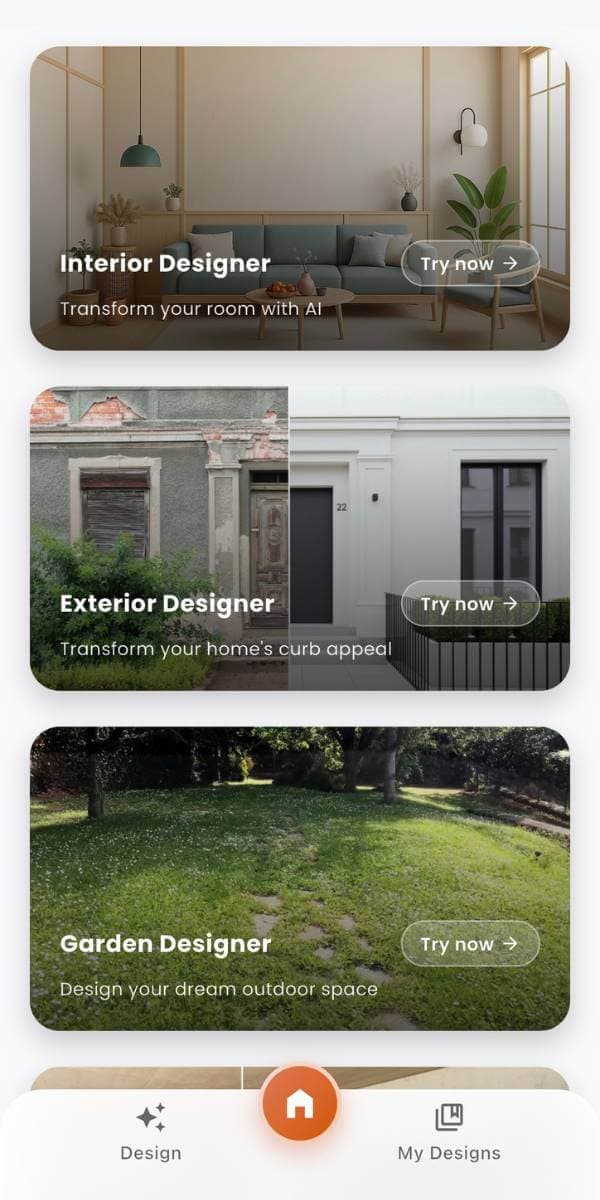
Take your room with you. Photograph a space, generate a redesign, and compare before-and-after concepts on iPhone or Android — or start in the browser with the DecorAI Web App.
 DecorAI
See a New Direction for Your Room
Upload a room photo and use DecorAI to explore personalized interior concepts, material ideas, furniture direction, and before-and-after room makeovers. Create on Web, iPhone, or Android.
- Start with a room photo.
- No interior design experience needed.
- Use generated concepts as visual inspiration.
- Available on Web, iPhone, and Android.